
Description
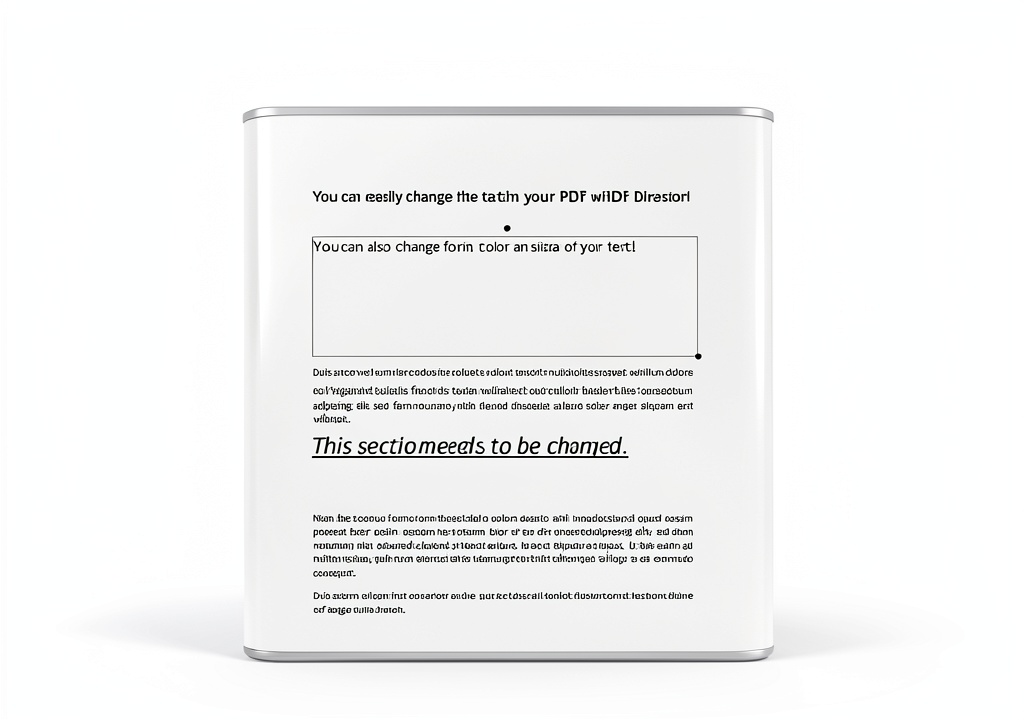
Product Overview
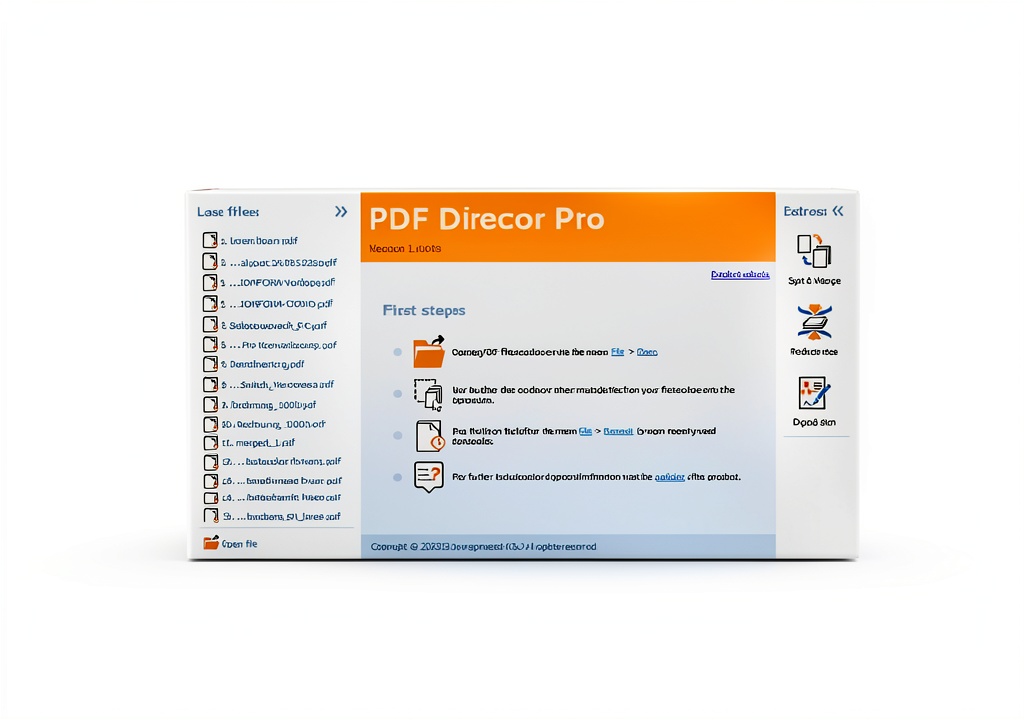
Our PDF editing software is engineered for modern Windows environments, delivering a comprehensive suite of tools that empower professionals, students, and casual users alike. Built on a robust 64‑bit architecture, the application ensures fast processing, smooth navigation, and reliable performance even when handling large documents. The user interface follows a clean, intuitive layout that reduces the learning curve, allowing you to start editing PDFs immediately after installation.
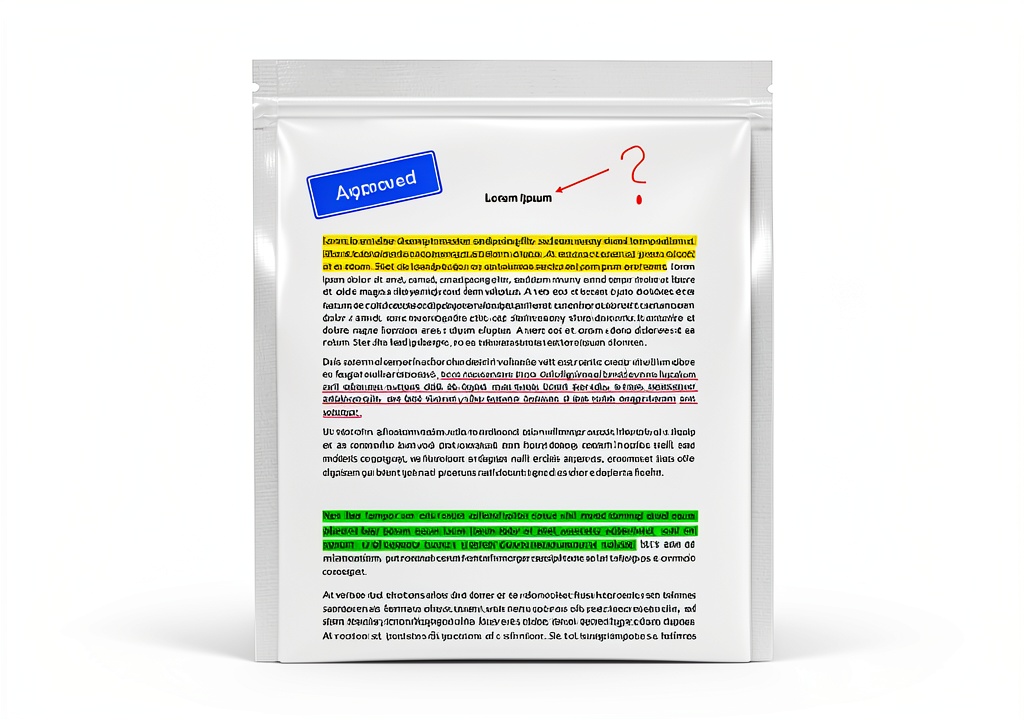
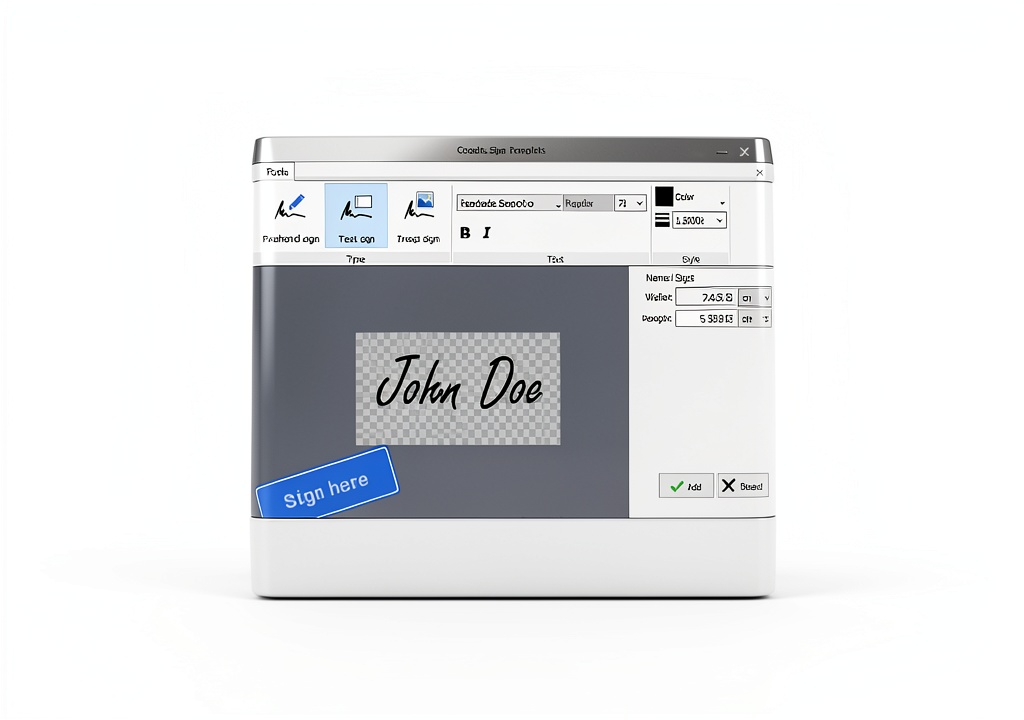
Key capabilities include the ability to read, highlight, and annotate PDFs with a variety of color options and annotation styles. The signing feature integrates secure digital signatures, meeting industry standards for document authenticity. Conversion tools support seamless transformation of PDF content into editable Word, Excel, and high‑resolution PNG formats, preserving layout fidelity and embedded images. Additionally, the software offers a powerful compression engine that reduces file size without compromising visual quality, making it ideal for email attachments and cloud storage.
Technical specifications confirm compatibility with Windows 7, 8.1, 10, and 11, exclusively for 64‑bit systems. The program requires minimal system resources, operating comfortably on devices with as little as 2 GB RAM and a modest CPU footprint. It adheres to Adobe Acrobat standards, guaranteeing that edited PDFs retain full compatibility with other PDF readers and editors. The package includes a full license, regular updates, and access to a dedicated support portal.
Usage
In a corporate setting, the software streamlines document workflows by allowing teams to collaborate on contracts, reports, and proposals directly within the PDF format. Users can add comments, track changes, and sign agreements without converting files to other formats, preserving the original layout and legal integrity. The conversion feature is especially valuable when extracting data for spreadsheets or creating presentations, eliminating the need for manual re‑typing.
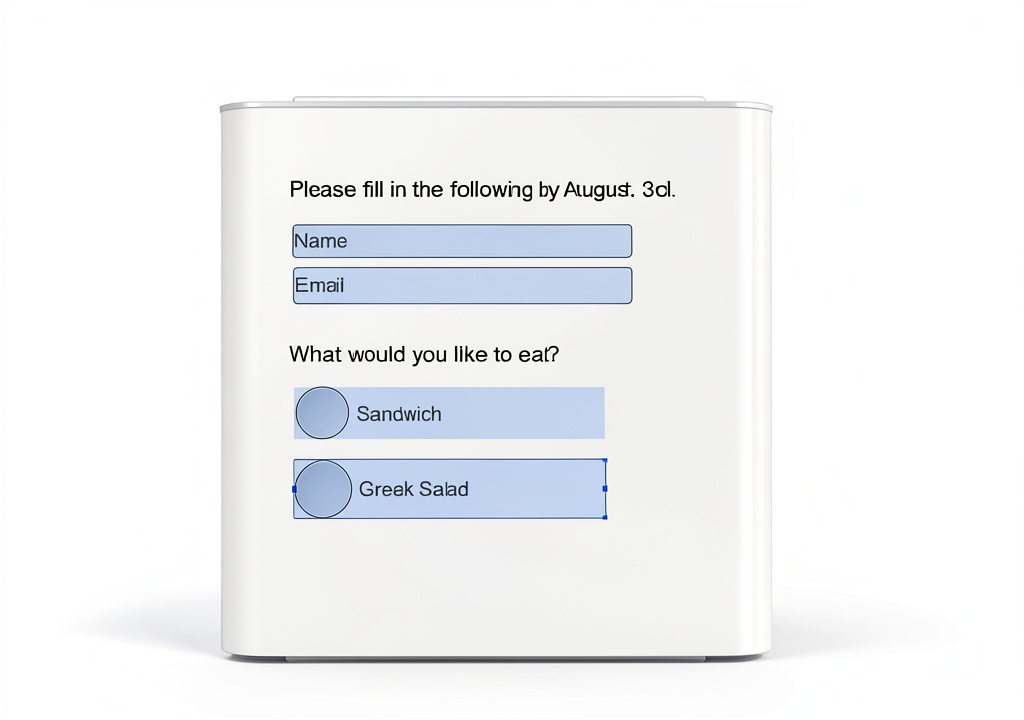
Educators and students benefit from the annotation tools for marking up lecture notes, research papers, and e‑books. The ability to highlight passages, insert sticky notes, and draw diagrams enhances the learning experience and supports effective study habits. The fillable form creator enables the design of custom questionnaires, feedback forms, and registration sheets that can be distributed electronically and completed on any device.
Freelancers and small business owners often need to compress large PDFs before sharing them with clients. Our compression algorithm reduces file size by up to 70 % while maintaining readability, ensuring faster uploads and downloads. The software also integrates with cloud storage services, allowing users to save edited PDFs directly to platforms like OneDrive, Google Drive, or Dropbox for seamless access across devices.
Why Choose Us
Choosing our PDF editing solution means investing in a product backed by years of development and a commitment to continuous improvement. Markt + Technik has a reputation for delivering reliable, high‑quality software that meets the evolving needs of its customers. Each release incorporates user feedback, security enhancements, and performance optimizations, ensuring that the tool remains at the forefront of PDF technology.
Our quality assurance process includes rigorous testing across multiple Windows versions and hardware configurations. This guarantees that the software performs consistently, whether installed on a high‑end workstation or a modest laptop. We also provide comprehensive documentation, video tutorials, and a responsive customer support team that assists with installation, troubleshooting, and advanced feature usage.
Beyond technical excellence, we prioritize user privacy and data security. All editing actions are performed locally on your device, and no document data is transmitted to external servers unless you explicitly choose to use cloud integration features. This design protects sensitive information and complies with industry regulations for data handling.
Key Features
- Intuitive editing tools let you highlight, comment, and sign PDFs in seconds, boosting productivity.
- One‑click conversion to Word, Excel, and PNG preserves original layout, saving time on re‑formatting.
- Advanced compression reduces file size up to 70 % without losing quality, ideal for sharing.
- Fillable form creator enables custom surveys and contracts that can be completed electronically.
- Dedicated support team offers prompt assistance and regular updates for a hassle‑free experience.
FAQ
Is the software compatible with older versions of Windows?
Yes, the application runs on Windows 7, 8.1, 10, and 11, provided the operating system is 64‑bit. This broad compatibility ensures that users with legacy hardware can still benefit from the full feature set.
Can I use the software to edit scanned PDF documents?
The program includes OCR (Optical Character Recognition) capabilities that recognize text within scanned images, allowing you to search, edit, and annotate the content as if it were a native PDF file.
How does the digital signature feature ensure security?
Digital signatures are created using industry‑standard encryption algorithms. The signature is bound to the document’s content, so any alteration after signing invalidates the signature, providing tamper‑evidence and legal credibility.
What kind of customer support is available?
Customers receive access to a 24/7 online support portal, email assistance, and a knowledge base with step‑by‑step guides. Additionally, we offer optional live chat during business hours for real‑time troubleshooting.
Is there a trial version available?
Yes, a 14‑day free trial is offered, giving full access to all features. This allows you to evaluate performance and suitability before committing to the purchase.

 SelectSoft Clipart & Font Pack LQDESPUPRD – 10k Images, 1k Fonts
Reviews
There are no reviews yet.