


Description
Product Overview
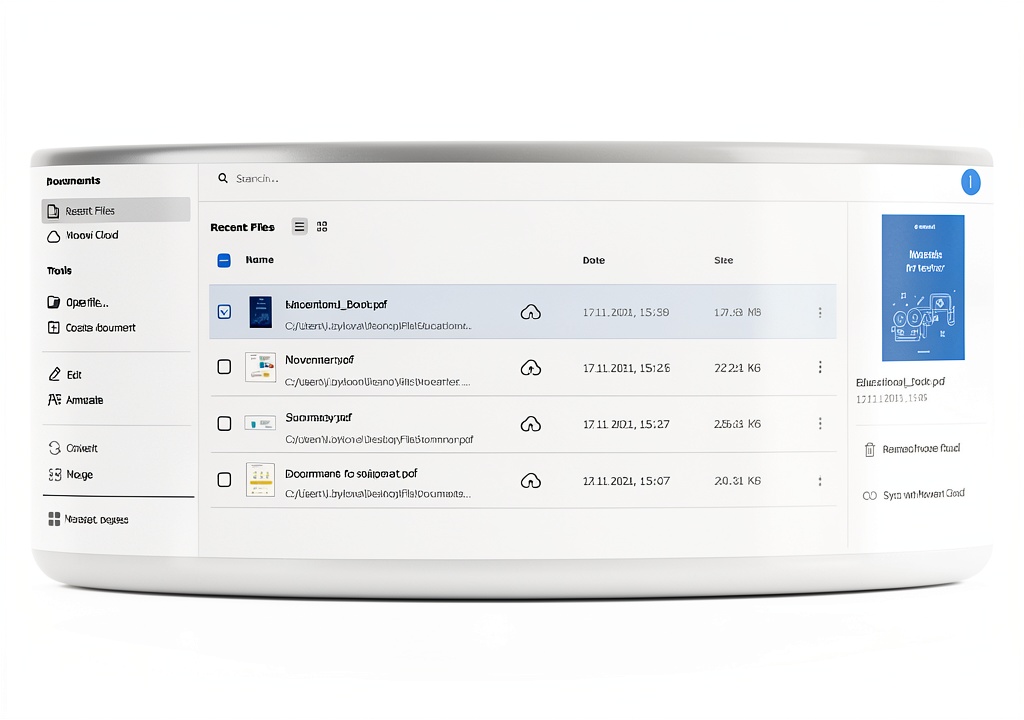
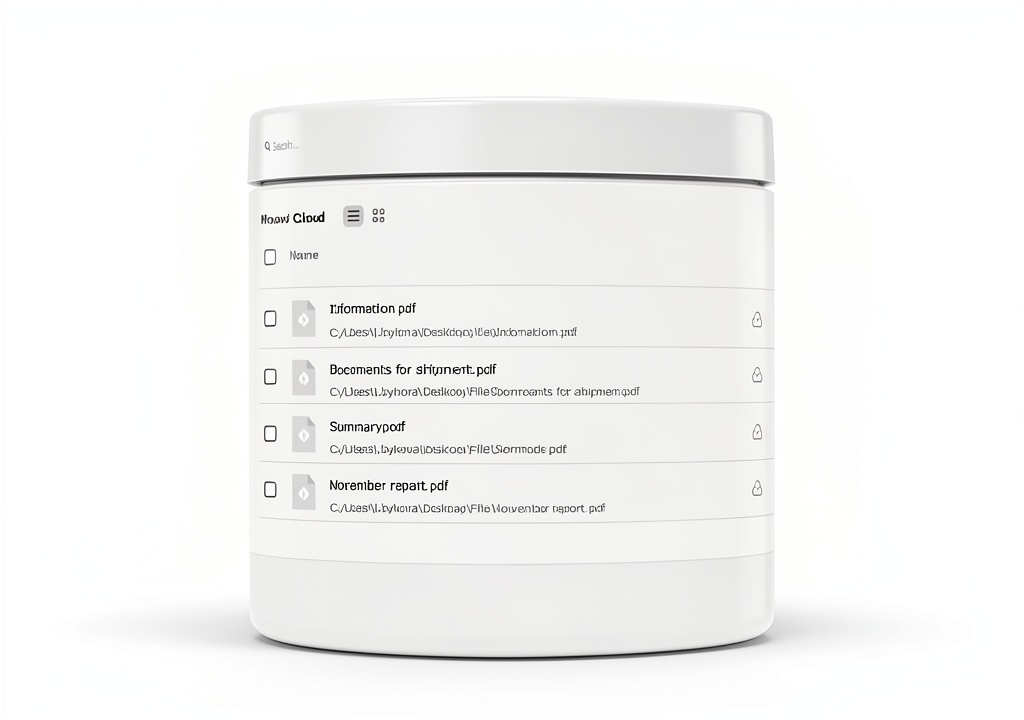
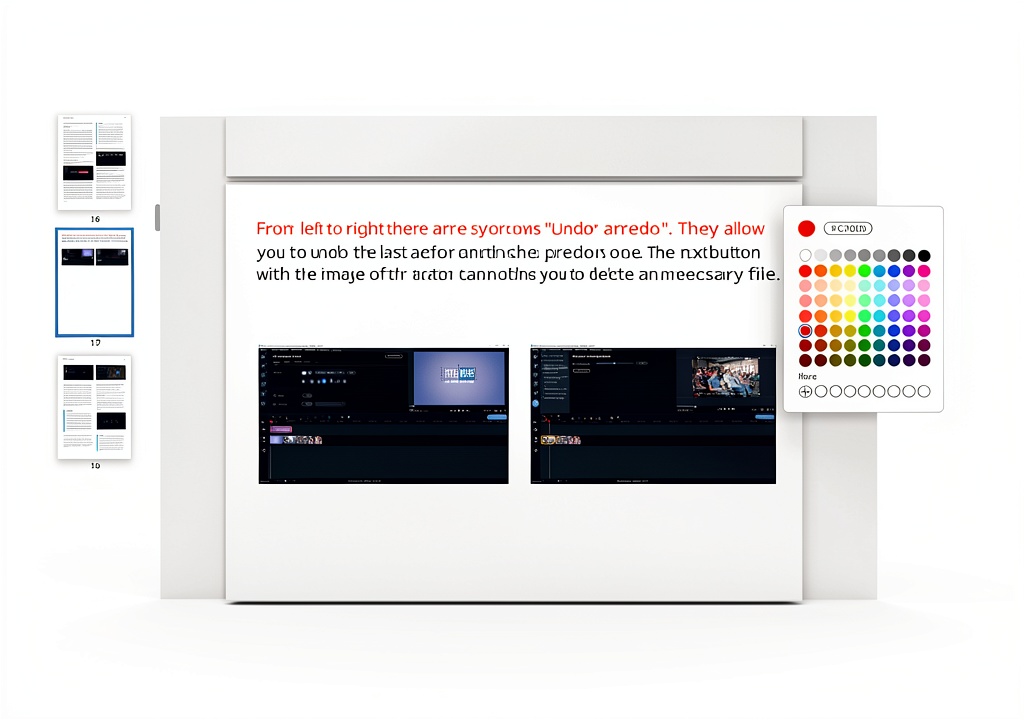
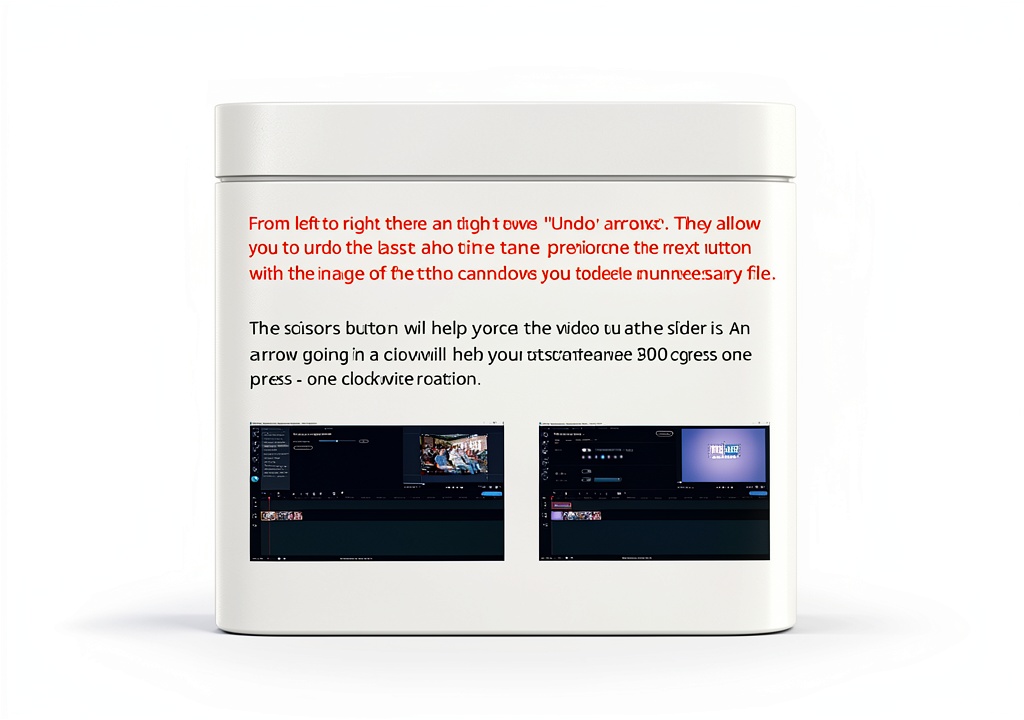
Movavi PDF Editor is a versatile software solution designed for comprehensive PDF management. It enables users to add or delete pages, crop, rotate, and rearrange page order with a few clicks. The editor also supports text modifications, including font, size, and color changes, as well as the insertion of images, graphics, and diagrams. Export options cover a wide range of formats, ensuring compatibility across devices and platforms.

Usage
Ideal for professionals, students, and home users, Movavi PDF Editor simplifies document preparation, report finalization, and contract signing. Whether you are preparing a presentation, editing a research paper, or finalizing a business agreement, the software provides a smooth, user‑friendly experience on both Windows and macOS.
Why Choose Us
Movavi combines years of multimedia expertise with a focus on document handling, delivering a reliable, fast, and secure PDF solution. Regular updates ensure compatibility with the latest operating systems, and a dedicated support team is available to assist with any questions or issues.
Key Features
- Quickly edit text, fonts, and colors without losing original layout
- Easily add, delete, or reorder pages to keep documents organized
- Insert images, graphics, and diagrams to enrich content
- Convert PDFs to Word, Excel, JPG, and other formats for flexible use
- Responsive customer support and regular software updates
FAQ
Can I sign PDFs directly within Movavi PDF Editor?
Yes, the program includes a built‑in signature tool that lets you add electronic signatures to any document.
Is the software compatible with macOS?
Movavi PDF Editor works on both Windows and macOS, providing a consistent experience across platforms.
What file formats can I export to?
You can convert PDFs to Word, Excel, PowerPoint, JPG, PNG, and several other popular formats.
Does the editor preserve original formatting when converting?
Yes, Movavi maintains layout, fonts, and images to ensure the converted file looks like the original.
Is there a trial version available?
A free 7‑day trial is offered, allowing you to explore all features before purchasing.

Reviews
There are no reviews yet.