



Description
Product Overview
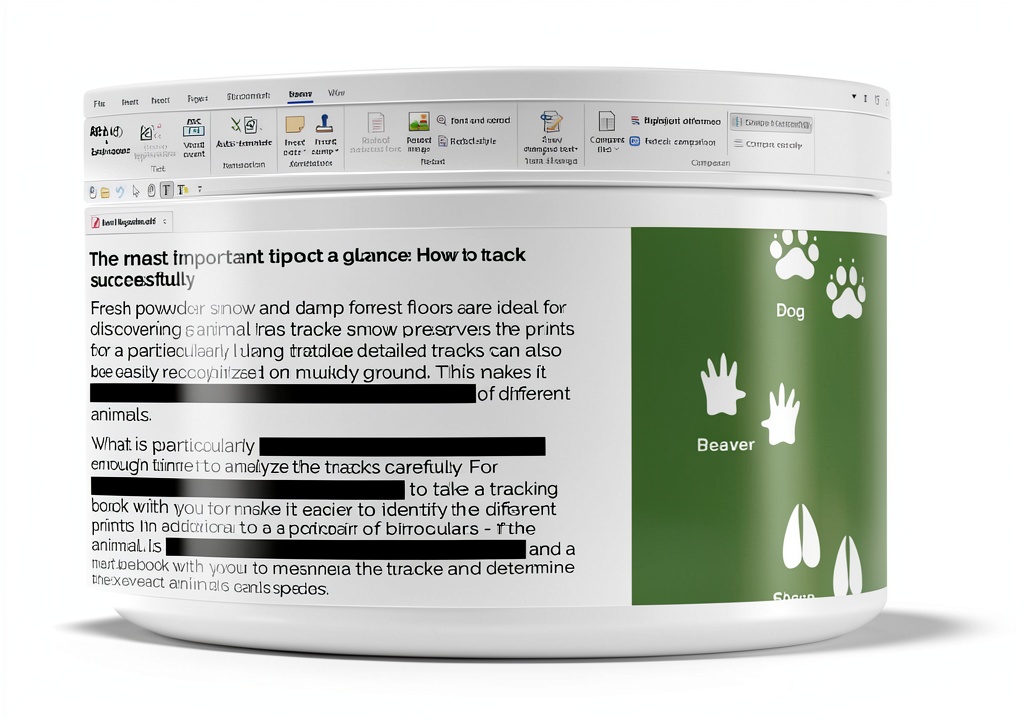
FlexiPDF 2025 is a next‑generation PDF editing suite developed by BinaryNow, designed to bring the flexibility of a word processor to PDF documents. The software supports Windows 10/11 and macOS 12 or later, offering a native 64‑bit experience that leverages modern hardware acceleration for smooth performance even with large files. Its core engine allows users to modify text, fonts, and layout across multiple paragraphs, columns, and pages without compromising the original document integrity. 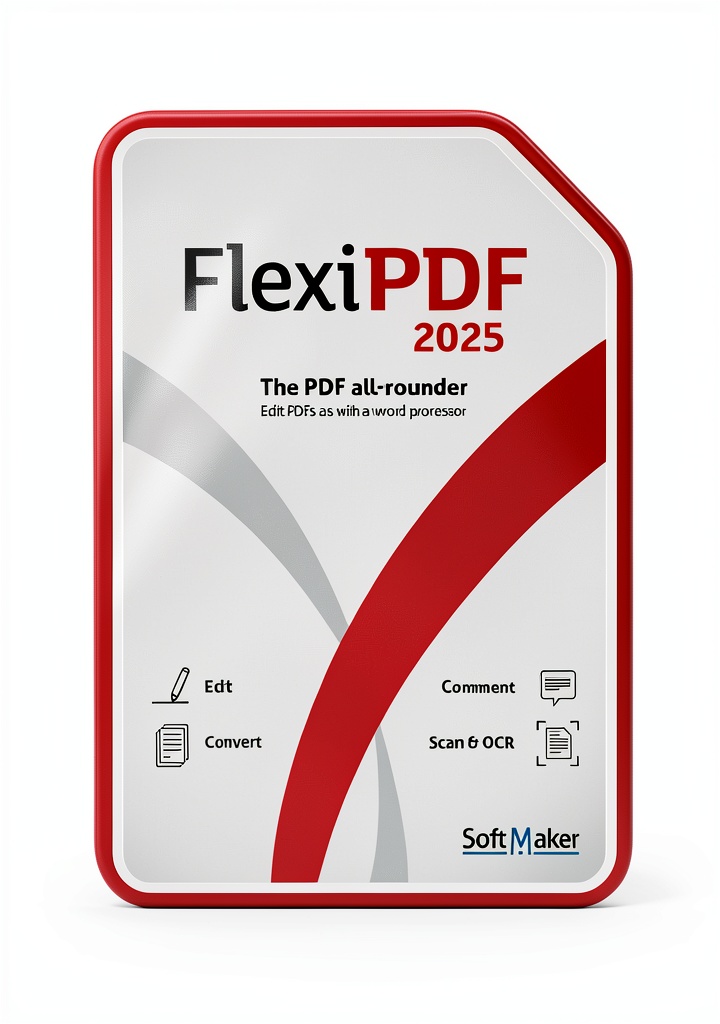
Beyond basic text editing, FlexiPDF 2025 includes a robust page management module. Users can insert, delete, reorder, crop, and rotate pages with a simple drag‑and‑drop interface. The program also supports batch operations, enabling the combination of several PDFs into a single consolidated file or the extraction of selected pages into a new document. This flexibility is especially valuable for legal professionals, researchers, and project managers who regularly assemble reports from disparate sources.
The annotation suite provides a full set of markup tools. Highlighting, underlining, and strikethrough options let reviewers emphasize key passages, while free‑hand drawing, shape insertion, and sticky notes facilitate visual communication. All annotations are stored as editable layers, ensuring that comments can be updated or removed without altering the underlying content. The software also offers a watermark feature that lets users embed logos or confidentiality notices directly onto pages.
A standout capability of FlexiPDF 2025 is its document comparison engine. By loading two versions of a PDF, the program automatically detects textual and structural differences, presenting them side by side with color‑coded markers. This feature streamlines revision tracking for editors, compliance officers, and anyone who needs to verify changes across multiple drafts. The comparison results can be exported as a summary report, providing a clear audit trail for regulatory or quality‑assurance purposes.
FlexiPDF 2025 is delivered as a perpetual license with optional annual maintenance for priority support and feature updates. The installer includes a comprehensive help library, video tutorials, and a searchable knowledge base, ensuring that users can quickly master advanced functions without external assistance.
Usage
In a corporate environment, FlexiPDF 2025 becomes the central tool for preparing contracts, policy documents, and marketing collateral. Legal teams appreciate the ability to edit clauses directly within PDFs, preserving the original formatting while adding precise language changes. Sales professionals use the page rearrangement feature to customize proposals on the fly, inserting client‑specific sections without recreating the entire file.
Educators and academic researchers benefit from the annotation and comparison tools when reviewing scholarly articles or compiling literature reviews. Faculty can embed comments directly into PDFs, share them with students, and track revisions across multiple drafts of a manuscript. The software’s support for high‑resolution images ensures that figures, charts, and diagrams remain crisp when inserted or cropped.
Creative agencies and designers leverage the image handling capabilities to integrate graphics, logos, and watermarks into client presentations. The built‑in cropping tool allows precise trimming of photos, while the drag‑and‑drop page organizer simplifies the assembly of multi‑page portfolios. Because FlexiPDF 2025 maintains vector quality, designers can trust that their visual assets retain fidelity throughout the editing process.
Why Choose Us
BinaryNow has a reputation for delivering reliable, high‑performance software solutions, and FlexiPDF 2025 continues that tradition with a focus on stability and security. The application undergoes rigorous QA testing, including automated regression suites and manual usability assessments, to ensure that each release meets enterprise‑grade standards. Users can rely on consistent performance even when processing PDFs that exceed 500 pages or contain complex vector graphics.
Customer support is a core pillar of the FlexiPDF experience. Licensed users receive access to a dedicated support portal staffed by PDF specialists who can troubleshoot issues, provide workflow advice, and assist with integration into existing document management systems. For organizations that require rapid response, the optional maintenance plan guarantees a 24‑hour turnaround on critical tickets.
FlexiPDF 2025 also emphasizes data privacy. All editing operations occur locally on the user’s machine, eliminating the need to upload sensitive documents to cloud services. The software complies with GDPR and other regional data‑protection regulations, offering peace of mind for sectors such as finance, healthcare, and government.
Key Features
- Intuitive text editing that mimics a word processor, allowing seamless modifications across paragraphs and columns.
- Powerful page management tools for inserting, deleting, reordering, cropping, and rotating pages in a single workflow.
- Comprehensive annotation suite with highlights, comments, drawings, and customizable watermarks.
- Advanced document comparison that automatically highlights textual and structural changes between versions.
- Dedicated after‑sales support with optional priority maintenance and regular feature updates.
FAQ
Can FlexiPDF 2025 edit scanned PDFs?
Yes. The software includes an integrated OCR engine that converts scanned images into editable text layers. Once the OCR process is complete, you can modify the recognized text just like any native PDF content.
Is the software compatible with other PDF viewers?
FlexiPDF 2025 produces standard‑compliant PDF files, so documents edited or created with the program can be opened in any PDF viewer, including Adobe Acrobat Reader, Foxit Reader, and web‑based viewers.
How does the comparison feature handle large files?
The comparison engine is optimized for performance and can process files up to 1 GB in size. It uses incremental loading to compare sections without loading the entire document into memory, ensuring responsive operation even on modest hardware.
Can I batch‑process multiple PDFs at once?
Yes. FlexiPDF 2025 offers a batch mode where you can apply the same editing, watermark, or page‑rearrangement actions to a list of files. This is useful for applying corporate branding or standardizing document layouts across a large repository.
What licensing options are available?
The product is sold as a perpetual license with a one‑year maintenance package that includes priority support and free upgrades. Additional maintenance years can be purchased to extend the support period.
 Winston the Traveling Dog Childrens Book Series Travel
 SelectSoft Clipart & Font Pack LQDESPUPRD – 10k Images, 1k Fonts
Reviews
There are no reviews yet.