


Description
Product Overview
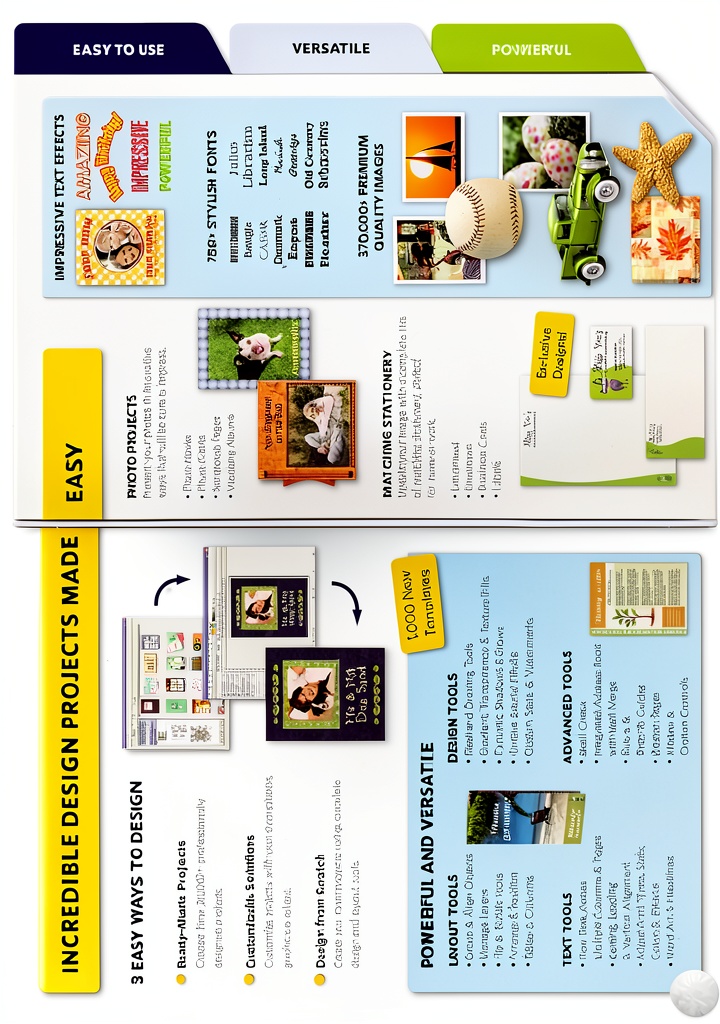
Encore Photo Album is a comprehensive desktop publishing solution designed to empower users to create professional‑grade printed projects without the need for expensive design services. Developed by Encore Software, the program combines an extensive library of over 370,000 high‑resolution graphics with more than 21,000 ready‑to‑use templates covering greeting cards, photo books, calendars, posters, business cards, and signage. The intuitive drag‑and‑drop interface lets users import their own photos, apply one‑click enhancements, and fine‑tune layouts with precision tools such as alignment guides, color correction sliders, and text styling options. All output can be saved in popular formats including JPEG, PDF, BMP, and TIFF, ensuring seamless compatibility with home printers, professional print shops, and online sharing platforms. The software runs on Windows operating systems and requires minimal system resources, making it accessible to both hobbyists and small‑business owners.
Encore Photo Album runs on Windows 7, 8, 10, and later versions, requiring a minimum of 2 GB RAM, a 1.5 GHz processor, and 500 MB of free disk space. The software is optimized for both 32‑bit and 64‑bit environments, delivering smooth performance even when handling large image files or complex multi‑page layouts. Users can take advantage of hardware acceleration when a compatible graphics card is present, which speeds up rendering of high‑resolution graphics and reduces lag during real‑time editing. The installer includes optional language packs, allowing the interface to be displayed in multiple languages, though the default language is English. Compatibility with common peripheral devices such as scanners, digital cameras, and USB drives ensures a seamless workflow from image capture to final print.
The design philosophy behind Encore Photo Album centers on empowering creativity while minimizing technical barriers. Every tool is placed within a logical ribbon layout, with context‑sensitive panels that appear only when needed, reducing visual clutter and helping users stay focused on their design. Customizable workspace presets let designers arrange toolbars, palettes, and preview windows to match their personal workflow, whether they prefer a minimalist canvas or a feature‑rich environment. The program also supports keyboard shortcuts for common actions such as copy, paste, undo, and zoom, accelerating the design process for power users. By combining a clean aesthetic with robust functionality, Encore Photo Album delivers a balanced experience that satisfies both beginners and seasoned designers.
Encore Photo Album includes built-in printer profiles for major manufacturers such as HP, Epson, and Canon, allowing users to achieve accurate color matching without manual calibration. The software automatically detects connected printers and suggests optimal settings for the selected paper type, whether it is glossy photo paper, matte cardstock, or specialty vinyl. Users can also create custom printer profiles by importing ICC files, ensuring precise color reproduction for professional print jobs. This level of integration streamlines the production process, reducing the need for external calibration tools and minimizing waste.
Overall, Encore Photo Album delivers a versatile, cost‑effective platform that bridges the gap between DIY creativity and professional publishing, making high‑quality printed media accessible to anyone with a computer.

Usage
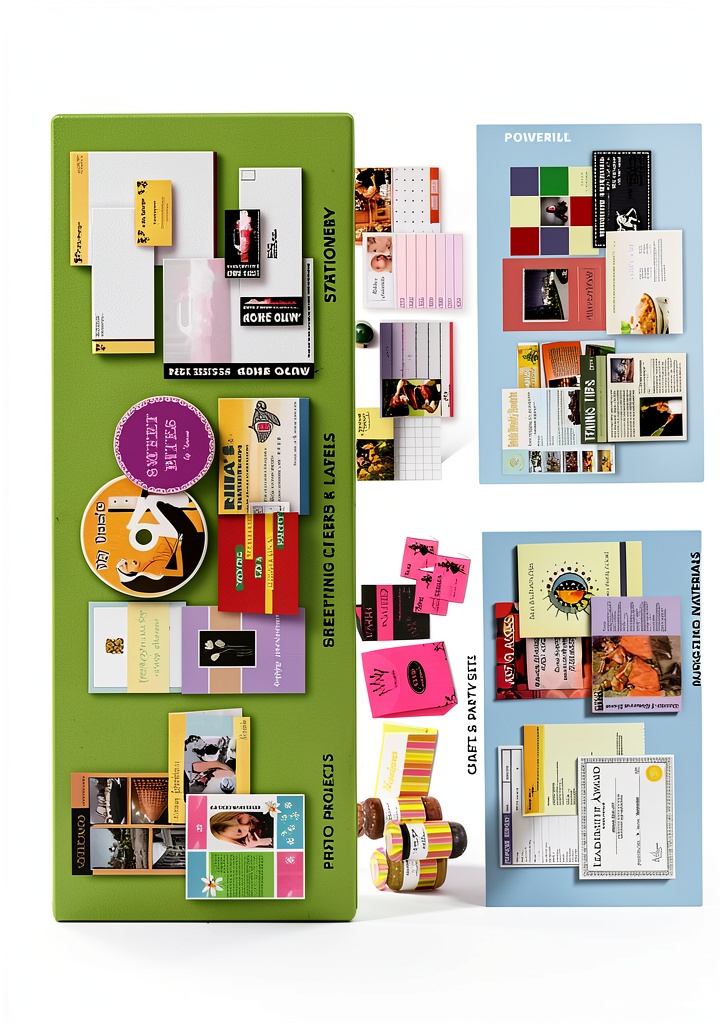
With its extensive template collection, Encore Photo Album makes it simple to produce holiday greeting cards that incorporate seasonal motifs, family photos, and personalized messages. Corporate users can generate branded business cards, letterheads, and promotional flyers that maintain consistent visual identity across all marketing collateral. Schools and universities benefit from the ability to design event programs, graduation announcements, and alumni newsletters that reflect institutional colors and logos. Photographers can create client proofing books that showcase portfolios in a polished layout, while hobbyists can experiment with scrapbook pages, collage posters, and custom wall art for home décor. The software’s flexible canvas sizes accommodate standard paper dimensions as well as custom formats, ensuring every project fits the intended purpose.
Marketing teams can leverage Encore Photo Album to design cohesive campaign assets that maintain brand consistency across multiple channels. By using the same template library, designers can quickly generate social media graphics, email headers, and print flyers that share a unified visual language. The ability to export files in both raster (JPEG, PNG) and vector‑ready (PDF) formats ensures that assets are ready for digital distribution as well as high‑resolution print runs. Additionally, the software’s batch export feature allows entire series of promotional materials to be rendered with a single command, accelerating time‑to‑market for time‑sensitive promotions.
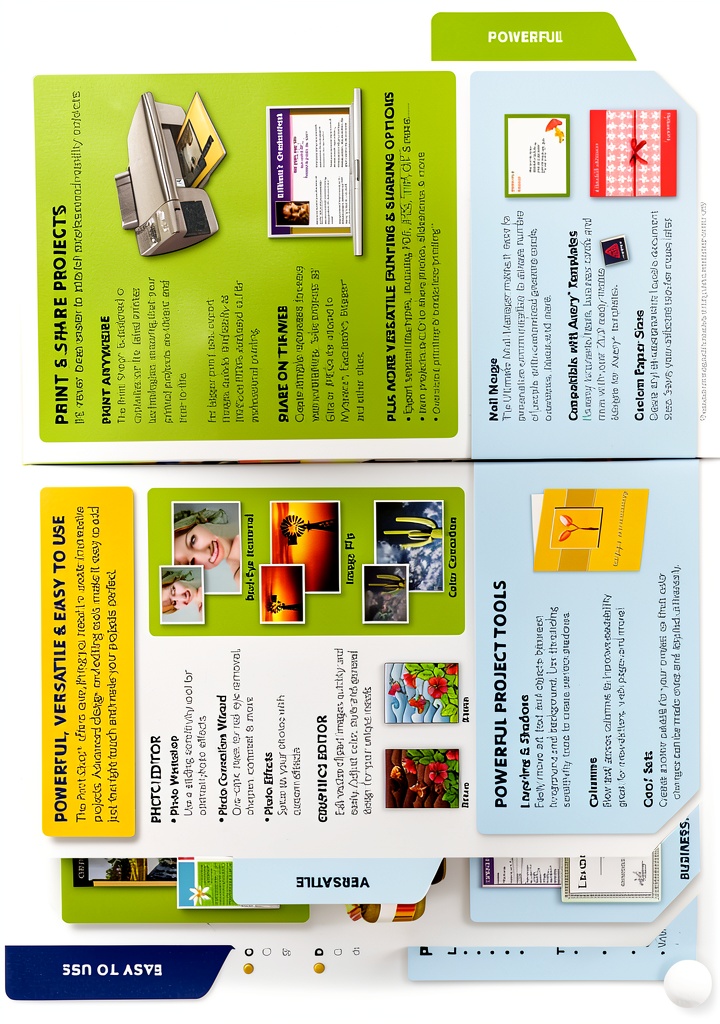
Encore Photo Album supports a wide range of printing options to meet diverse quality requirements. Users can select high‑gloss, matte, or semi‑gloss paper stocks directly within the print dialog, and adjust DPI settings up to 1200 for crisp, detailed output. The borderless printing feature eliminates unwanted margins, making it ideal for full‑bleed posters and flyers. For professional print shops, the software can generate CMYK‑compatible PDF files with embedded color profiles, ensuring accurate color reproduction. Additionally, the program offers batch processing capabilities, allowing multiple projects to be exported or printed in succession without manual intervention, which saves time for large‑scale production runs.
Why Choose Us
Choosing Encore Photo Album means partnering with a company that has over two decades of experience delivering reliable, user‑friendly software solutions. The product is backed by a dedicated support team that provides prompt assistance through phone, email, and live chat, ensuring any technical questions are resolved quickly. Regular software updates introduce new templates, graphics, and feature enhancements, keeping the application current with evolving design trends. The program’s stability has been validated by a strong customer rating of 3.7 out of 5 stars from more than 180 verified purchasers, reflecting consistent satisfaction across a diverse user base. Additionally, the software is offered with a clear, no‑hidden‑fees licensing model, giving customers confidence in their investment.
Encore places a high priority on data security and privacy, ensuring that any project files created within the application are stored locally on the user’s computer unless explicitly shared. The software does not require an internet connection for core functionality, reducing exposure to potential cyber threats. For users who need to collaborate, the program offers optional cloud sync features that employ encrypted transmission protocols, safeguarding sensitive images and personal information. Regular security patches are released as part of the update cycle, addressing any newly discovered vulnerabilities promptly. This commitment to protecting user data reinforces confidence for both individual creators and business users handling confidential branding assets.
The Encore Photo Album user community is an active forum where members share templates, design tips, and troubleshooting advice, fostering a collaborative environment that accelerates learning. Regular webinars and tutorial series are hosted by product experts, providing deep dives into advanced features such as vector clipping, batch export automation, and color management. Looking ahead, Encore has outlined a roadmap that includes AI‑assisted design suggestions, expanded stock image integrations, and enhanced mobile companion apps for on‑the‑go editing. By listening to customer feedback and continuously expanding functionality, the company ensures that the software evolves in step with industry trends, delivering lasting value to its user base.
Encore Photo Album is offered under a straightforward perpetual licensing model that includes one year of free upgrades and technical support. Customers receive a single license key that activates the full feature set on up to three devices, providing flexibility for home and office use. After the first year, users may renew their support subscription at a modest annual fee to continue receiving priority assistance and access to new template packs. The license agreement also guarantees a 30‑day money‑back guarantee, allowing purchasers to evaluate the software risk‑free and ensure it meets their creative needs.
Key Features
- Access 21,000 professionally designed templates for any project type.
- Searchable library of 370,000 high‑resolution graphics to enhance creativity.
- Intuitive drag‑and‑drop editor with one‑click photo fixes and advanced tools.
- Borderless printing and multiple export formats (JPEG, PDF, BMP, TIFF) for seamless workflow.
- Dedicated customer support and regular updates ensuring long‑term reliability.
FAQ
Can I use Encore Photo Album on a Mac?
No. Encore Photo Album is currently available only for Windows operating systems (Windows 7, 8, 10, and later). A macOS version is not offered at this time.
What file formats can I export my projects to?
The software supports export to JPEG, PNG, BMP, TIFF, and PDF. PDF files can be generated with CMYK color profiles for professional printing, while raster formats are ideal for digital sharing.
Is there a trial version available?
Yes. Encore offers a 30‑day free trial that provides full access to all features, allowing you to evaluate the program before purchasing a license.
How many graphics and templates are included?
Encore Photo Album includes over 370,000 graphics and more than 21,000 templates, covering a wide range of project types such as greeting cards, calendars, posters, and business stationery.




 PDF Editor IMSI Design Software OCR Editing
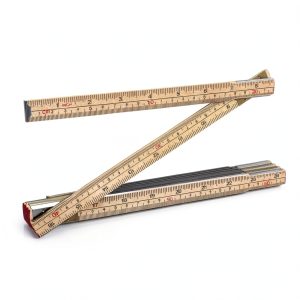 Folding Wood Rule 6 FT 6 Inch QWORK Birch Durable Double Scale Ruler
 Steel Rulers 3 Pack Double‑Sided 6‑8‑12 Inch 7mm Thick Set
 HP Document Management Software Secure Cloud Sync OCR Collaboration
Reviews
There are no reviews yet.