


Description
Product Overview
Corel Word Processor is a versatile office suite designed for individuals and businesses that need reliable document creation tools. The software combines a powerful word processor, spreadsheet editor, presentation builder, and note‑taking module into a single, lightweight package. Built on Corel’s long‑standing reputation for quality, the suite supports over 60 file formats, including Microsoft Word, Excel, and PowerPoint, ensuring seamless collaboration across platforms. At just 1.73 ounces and a compact footprint of 1.31 × 5.25 × 7.56 inches, it runs smoothly on most Windows PCs without demanding extensive system resources. Key specifications include the model WP2020STDEFMBAM, first released on May 4 2020, and a proven track record reflected in its #1,925 best‑seller rank in Software.
Usage
The suite is ideal for office professionals drafting reports, educators preparing lecture slides, and students managing research papers. Its intuitive interface allows quick creation of tables, charts, and multimedia‑rich presentations, while the built‑in metadata removal tool helps safeguard confidential information before sharing files. Whether you are working from a corporate desk, a home office, or a university library, Corel Word Processor adapts to varied environments, offering one‑click footnote and endnote navigation that speeds up academic writing. 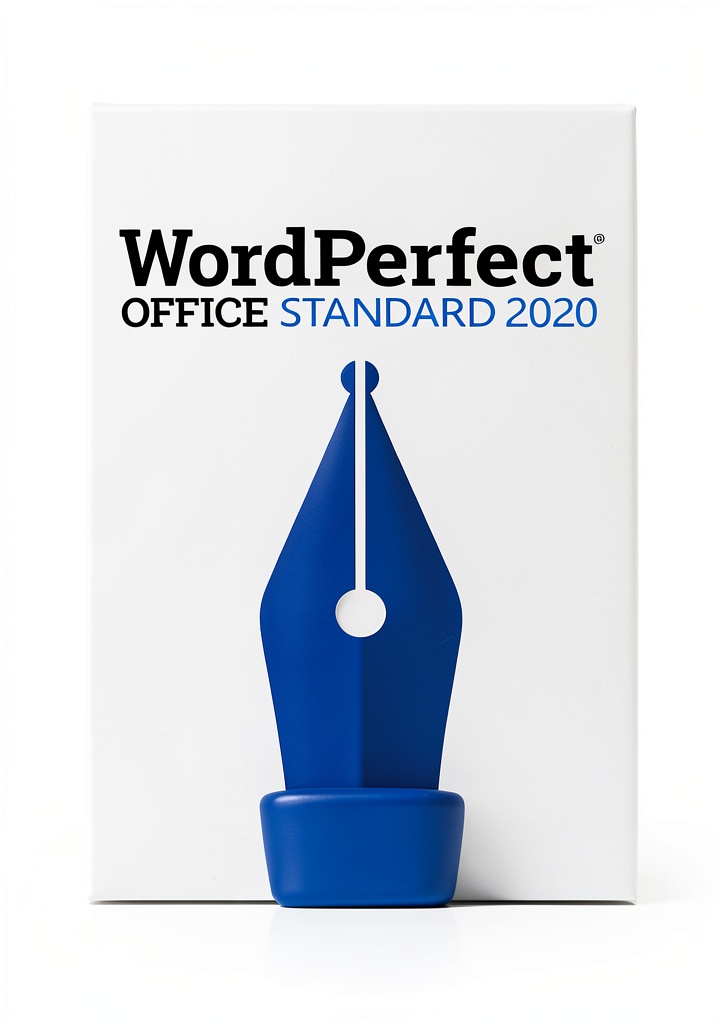
Why Choose Us
Corel delivers a heritage of software excellence, and this suite continues that tradition with rigorous quality assurance and regular updates. Unlike many competitors, Corel Word Processor provides a full suite of productivity tools without requiring separate purchases for each module, delivering cost‑effective value. The metadata removal feature is unique among mid‑range office suites, giving users confidence that sensitive data is not unintentionally exposed. Additionally, the software’s lightweight design ensures fast load times and minimal impact on system performance, a critical advantage for users with older hardware.
Key Features
- All‑in‑one office suite: word processing, spreadsheets, presentations, and notes in one package.
- Supports 60+ file formats, enabling seamless editing of Microsoft Office documents.
- Metadata removal tool quickly strips confidential information from files.
- One‑click footnote and endnote navigation saves time for academic and professional writing.
- Compact, lightweight design runs efficiently on low‑spec PCs.
FAQ
Can Corel Word Processor open and edit Microsoft Office files?
Yes, the suite fully supports opening, editing, and saving Microsoft Word, Excel, and PowerPoint files, along with many other popular formats.
Is the metadata removal tool safe to use on sensitive documents?
The tool scans documents for hidden data such as author information, revision history, and hidden text, and removes it securely before the file is shared.
What operating systems are compatible with Corel Word Processor?
The software is designed for Windows 10 and later versions. It runs smoothly on both 32‑bit and 64‑bit systems.
How does the footnote navigation work?
With a single click, you can jump directly to any footnote or endnote in a document, making reference management fast and effortless.
Does the suite include cloud storage integration?
While the core product does not include built‑in cloud storage, it integrates easily with popular services like OneDrive, Google Drive, and Dropbox for file syncing and sharing.




Reviews
There are no reviews yet.