

Description
Product Overview
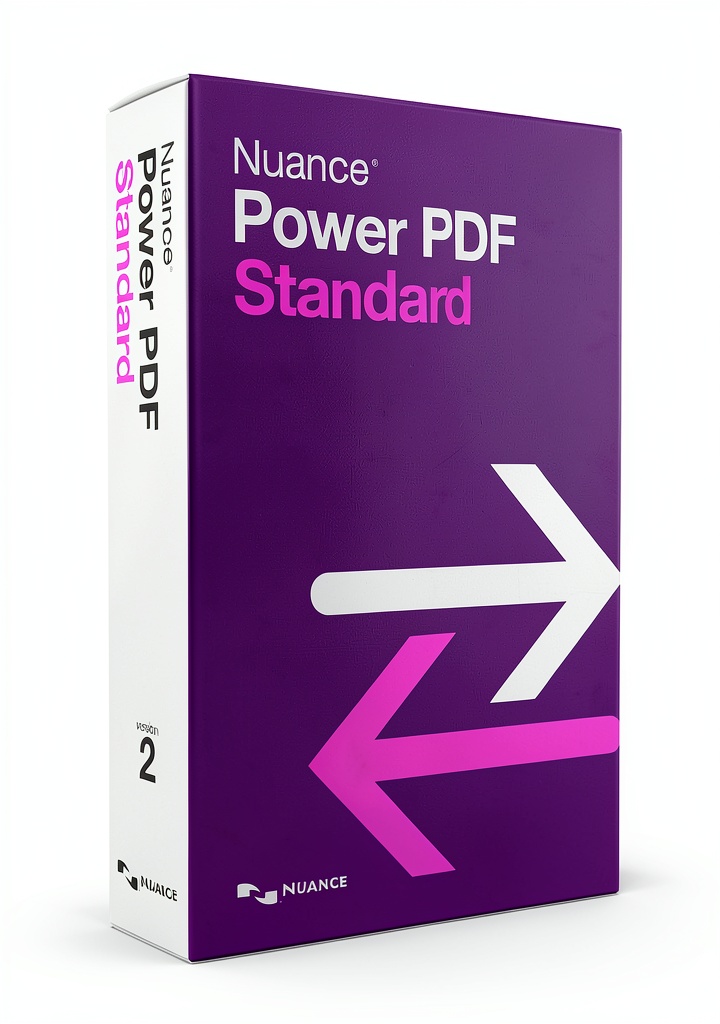
Nuance PDF Editor is a comprehensive PDF solution designed for both individual users and businesses that require reliable document handling capabilities. Built on a robust engine, the software offers a full suite of editing tools, including annotation, markup, digital signatures, and compression, ensuring that PDFs are not only functional but also optimized for size and performance. The interface mirrors familiar Windows environments, providing a smooth learning curve for users accustomed to Microsoft Office applications. Compatibility with Adobe Dynamic Forms (XFA) expands its utility, allowing users to fill out complex online forms without leaving the application.
The product dimensions are modest, reflecting its digital nature, and it carries a lightweight footprint that does not burden system resources. Since its initial release in June 2014, Nuance has continuously refined the software, integrating cloud connectivity and touch-enabled features to meet modern workflow demands. The software’s model number, AS09A-G00-2.0, signifies its place within Nuance’s product line, offering a balance of advanced functionality and user-friendly design.
Usage
Designed for a variety of professional environments, Nuance PDF Editor excels in legal offices, corporate finance departments, educational institutions, and remote work settings. Lawyers can annotate contracts, add secure digital signatures, and compress large case files for easy sharing. Financial analysts benefit from the ability to convert Word reports to PDF for client distribution while maintaining formatting integrity. Educators and students can fill out and submit PDF-based assignments, leveraging the form-filling capabilities that support both simple and complex templates.
The software’s touch‑enabled design makes it ideal for use on Windows 10 tablets and convertible laptops, allowing users to interact directly with PDFs using a stylus or finger. Cloud integration streamlines collaboration; users can retrieve documents from services like OneDrive, Google Drive, or Dropbox through the new File menu panel, edit them, and save changes back to the cloud with minimal steps. This seamless workflow reduces the need for multiple applications and simplifies version control.
Why Choose Us
Nuance brings decades of expertise in language and document technologies, ensuring that PDF Editor is built on a foundation of reliability and precision. The software undergoes rigorous testing to meet industry standards, delivering high accuracy in conversion and form handling. Customer support is available through multiple channels, offering assistance for installation, troubleshooting, and feature guidance, reinforcing a commitment to after‑sales service.
Unlike many generic PDF tools, Nuance PDF Editor emphasizes security and compliance. Digital signatures are encrypted, and the software supports password protection and permission settings to safeguard sensitive information. Regular updates incorporate the latest security patches and feature enhancements, keeping the product aligned with evolving regulatory requirements.
Choosing Nuance means investing in a solution that evolves with your business needs, backed by a reputable manufacturer known for innovation in document management.
Key Features
- Intuitive editing tools let you annotate, highlight, and comment on PDFs with ease, improving collaboration and review speed.
- Secure digital signatures and encryption protect documents, ensuring compliance with legal and industry standards.
- Accurate Word‑to‑PDF and PDF‑to‑Word conversion preserves formatting, saving time on document preparation.
- Direct cloud storage access streamlines workflow, letting you open, edit, and save files from popular cloud services in a single click.
- Dedicated customer support and regular updates provide peace of mind and continuous improvement.
FAQ
Can I use Nuance PDF Editor on a Mac?
Nuance PDF Editor is currently built for the Windows operating system, including Windows 10 and later versions. Mac users can run the software using virtualization tools such as Parallels Desktop or Boot Camp, but native macOS support is not available at this time.
Does the software support batch processing of multiple PDFs?
Yes, the application includes batch processing features that allow you to apply annotations, compress files, or convert several documents simultaneously, which greatly speeds up large‑scale document management tasks.
What cloud services are compatible with the File menu panel?
The File menu panel integrates with major cloud storage providers, including OneDrive, Google Drive, Dropbox, and Box. You can connect your accounts, browse folders, and open or save PDFs directly from the cloud without leaving the editor.
Is there a trial version available?
Nuance offers a 30‑day free trial that provides full access to all features. This allows you to evaluate the software’s capabilities and ensure it meets your workflow requirements before purchasing.
Reviews
There are no reviews yet.